

3: Forms and Events
All apps need to allow the user to perform some sort of interaction with the data that is stored. In our case, the first type of interaction is to insert new tasks. Without it, our To-Do app wouldn't be very helpful.
One of the main ways in which a user can insert or edit data on a website is through forms. In most cases, it is a good idea to use the <form> tag since it gives semantic meaning to the elements inside it.
3.1: Create Task Form
Create a new form inside the App.svelte file, and inside we’ll add an input field and a button. Place it between the header and the ul:
...

<form class="task-form" on:submit={addTask}>
  <input type="text" placeholder="Type to add new tasks" bind:value={newTask} />
  <button type="submit">Add Task</button>
</form>

...
Let's now add an addTask() function handler inside the script tags below the imports. It will call a Meteor method tasks.insert that isn't yet created but we'll soon make:
...

  let newTask = '';

  async function addTask(event) {
    event.preventDefault();
    if (newTask.trim()) {
      await Meteor.callAsync("tasks.insert", {
        text: newTask,
        createdAt: new Date(),
      });
      newTask = '';
    }
  }

...
Altogether, our file should look like:
<script>
  import { Meteor } from "meteor/meteor";
  import { Tracker } from "meteor/tracker";
  import { onMount, onDestroy } from "svelte";
  import { TasksCollection } from "../api/TasksCollection";

  let newTask = '';

  async function addTask(event) {
    event.preventDefault();
    if (newTask.trim()) {
      await Meteor.callAsync("tasks.insert", {
        text: newTask,
        createdAt: new Date(),
      });
      newTask = '';
    }
  }

  // Reactive state
  let handle;
  let subIsReady = false;
  let tasks = [];

  let computation;

  onMount(() => {
    handle = Meteor.subscribe("tasks");

    computation = Tracker.autorun(() => {
      subIsReady = handle.ready();
      tasks = TasksCollection.find().fetch();
    });

    return () => {
      computation?.stop?.();
      handle?.stop?.();
    };
  });

  onDestroy(() => {
    computation?.stop?.();
    handle?.stop?.();
  });
</script>

<div class="container">
  <header>
    <h1>Todo List</h1>
  </header>

  <form class="task-form" on:submit={addTask}>
    <input type="text" placeholder="Type to add new tasks" bind:value={newTask} />
    <button type="submit">Add Task</button>
  </form>

  <ul>
    {#if subIsReady}
      {#each tasks as task (task._id)}
        <li>{task.text}</li>
      {/each}
    {:else}
      <div>Loading ...</div>
    {/if}
  </ul>
</div>
In the code above, we've integrated the form directly into the App.svelte component, positioning it above the task list. We're using Svelte's bind:value for two-way binding on the input and an on:submit handler for form submission.
3.2: Update the Stylesheet
You also can style it as you wish. For now, we only need some margin at the top so the form doesn't seem off the mark. Add the CSS class .task-form, this needs to be the same name in your class attribute in the form element.
...

.task-form {
  margin-top: 1rem;
}

...
3.3: Add Submit Handler
Now let's create a function to handle the form submit and insert a new task into the database. To do it, we will need to implement a Meteor Method.
Methods are essentially RPC calls to the server that let you perform operations on the server side securely. You can read more about Meteor Methods here.
To create your methods, you can create a file called TasksMethods.js.
import { Meteor } from "meteor/meteor";
import { TasksCollection } from "./TasksCollection";

Meteor.methods({
  "tasks.insert"(doc) {
    return TasksCollection.insertAsync(doc);
  },
});
Remember to import your method on the main.js server file, delete the insertTask function, and invoke the new meteor method inside the forEach block.
import { Meteor } from "meteor/meteor";
import { TasksCollection } from "/imports/api/TasksCollection";
import "../imports/api/TasksPublications";
import "../imports/api/TasksMethods";

Meteor.startup(async () => {
  if ((await TasksCollection.find().countAsync()) === 0) {
    [
      "First Task",
      "Second Task",
      "Third Task",
      "Fourth Task",
      "Fifth Task",
      "Sixth Task",
      "Seventh Task",
    ].forEach((taskName) => {
      Meteor.callAsync("tasks.insert", {
        text: taskName,
        createdAt: new Date(),
      });
    });
  }
});
Inside the forEach function, we are adding a task to the tasks collection by calling Meteor.callAsync(). The first argument is the name of the method we want to call, and the second argument is the text of the task.
Also, insert a date createdAt in your task document so you know when each task was created.
Now we need to import TasksMethods.js and add a listener to the submit event on the form:
<script>
  import { Meteor } from "meteor/meteor";
  import { TasksCollection } from "../api/TasksCollection";
  import "/imports/api/TasksMethods"; // this import allows for optimistic execution //

  // ... rest of the script remains the same
</script>

<!-- markup remains the same -->
In the addTask function (shown in 3.1), we prevent the default form submission, get the input value, call the Meteor method to insert the task optimistically, and clear the input.
Meteor methods execute optimistically on the client using MiniMongo while simultaneously calling the server. If the server call fails, MiniMongo rolls back the change, providing a speedy user experience. It's a bit like rollback netcode in fighting video games.
3.4: Show Newest Tasks First
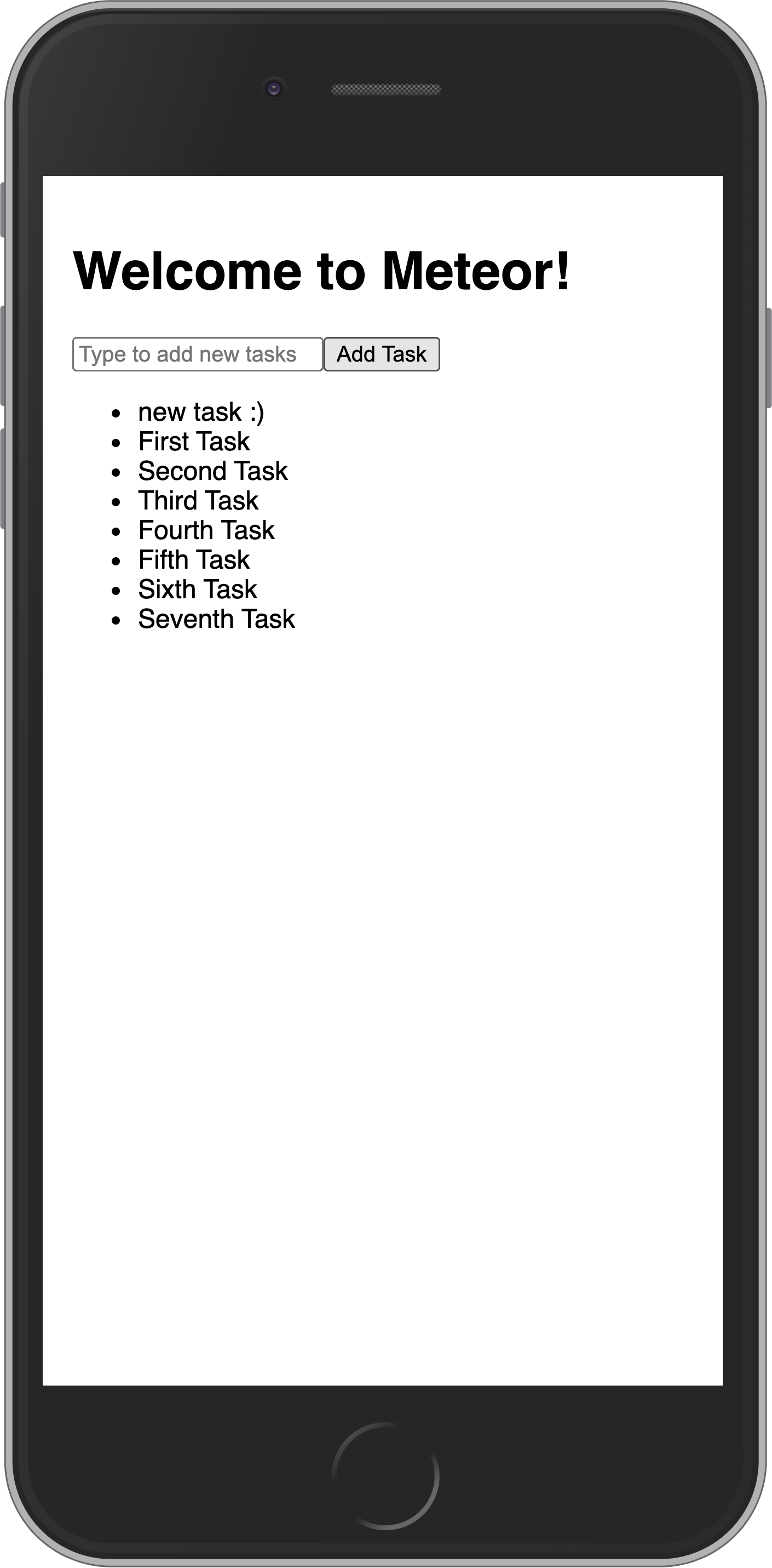
Now you just need to make a change that will make users happy: we need to show the newest tasks first. We can accomplish this quite quickly by sorting our Mongo query.
<script>
  // ... other imports and code

  // Update the Tracker.autorun to include sorting
  onMount(() => {
    handle = Meteor.subscribe("tasks");

    computation = Tracker.autorun(() => {
      subIsReady = handle.ready();
      tasks = TasksCollection.find({}, { sort: { createdAt: -1 } }).fetch();
    });

    // ... rest of onMount remains the same
  });
</script>

<!-- markup remains the same -->
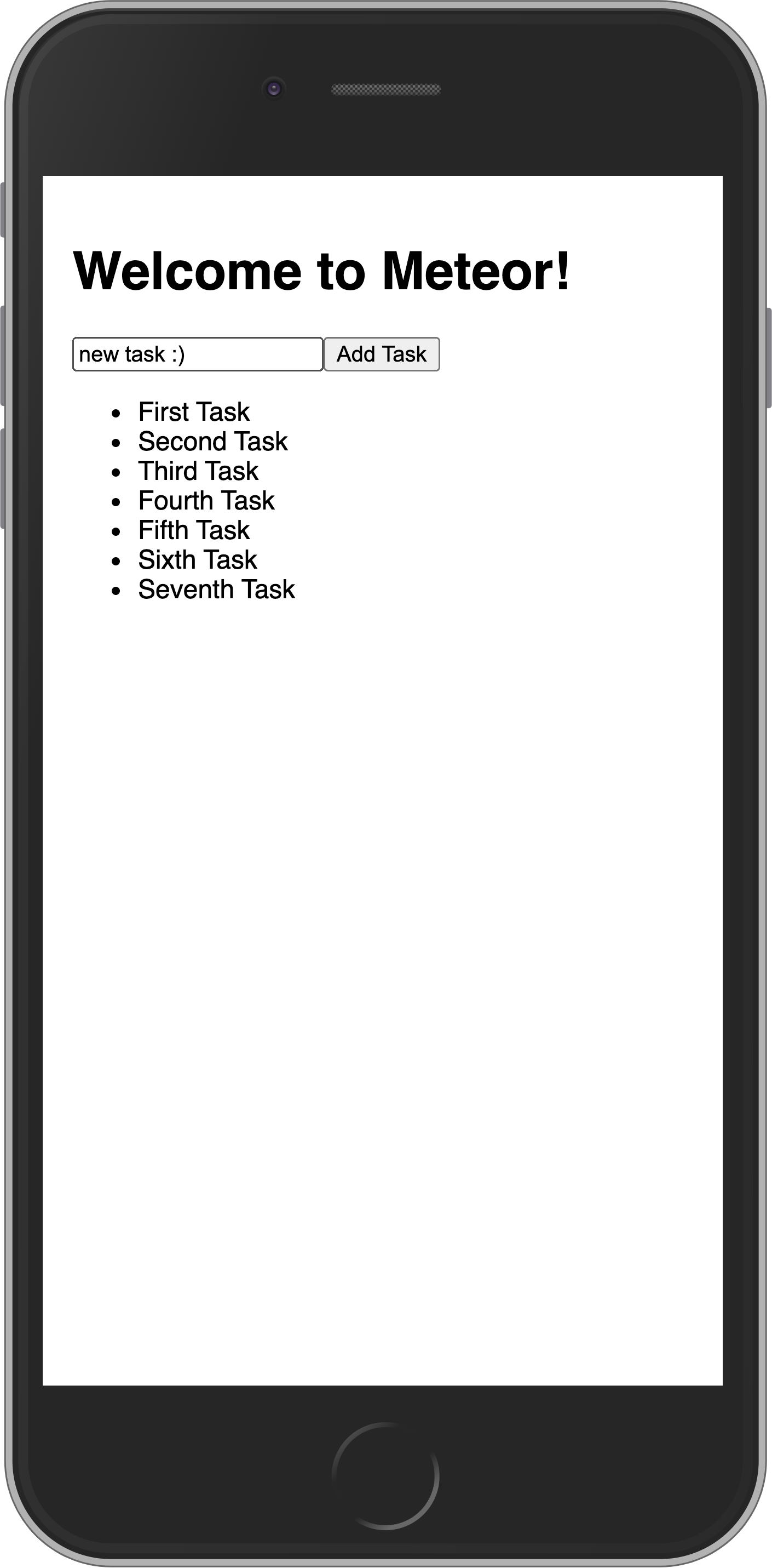
Your app should look like this:
In the next step, we are going to update your tasks state and provide a way for users to remove tasks.